

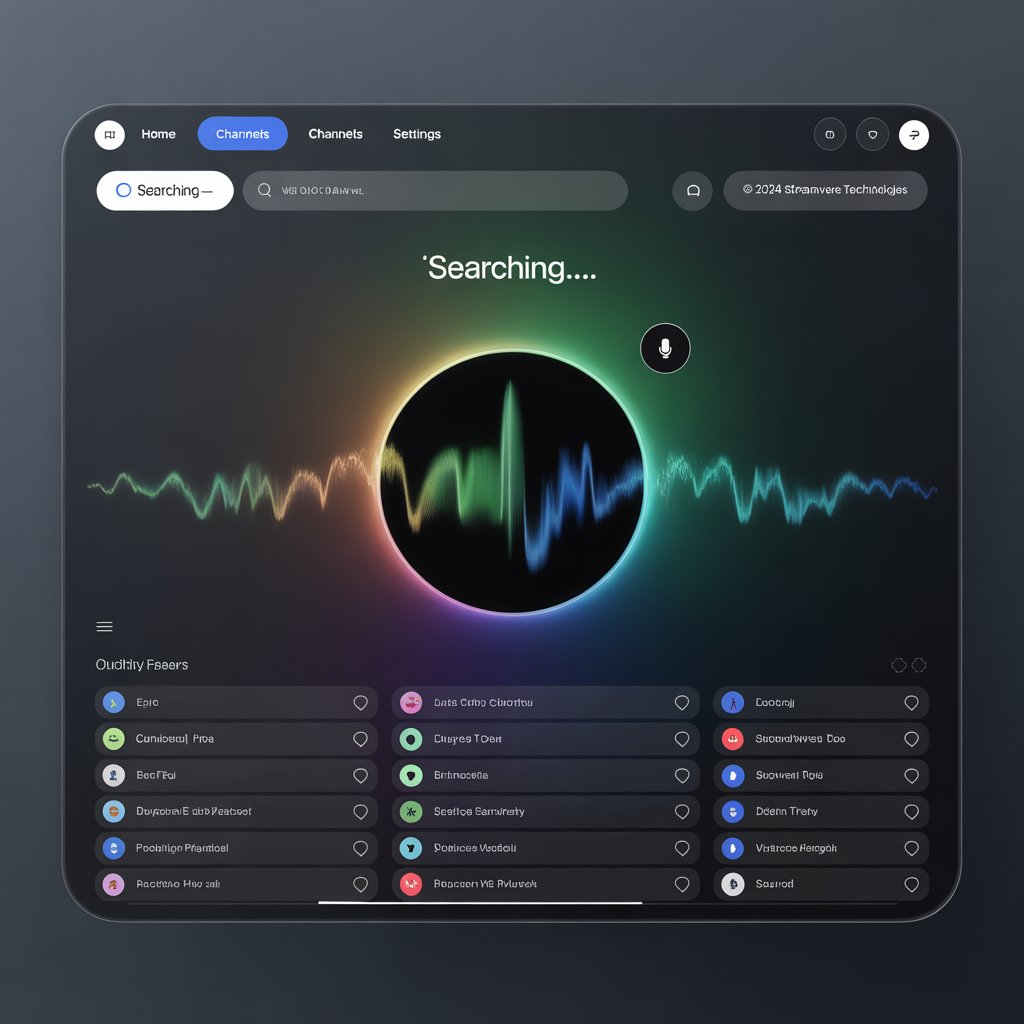
The Ultimate Guide to IPTV Voice Search (2025 Edition)
You have thousands of IPTV channels at your fingertips, but how much time do you waste scrolling through endless lists to find what you actually want to watch? What if you could just pick up your remote and say, “Play the game,” or “Find action movies with Tom Cruise”? That’s the power of **IPTV voice search**, and it’s a feature that is completely changing the way we interact with our entertainment.
This guide is your friendly introduction to the world of **IPTV voice search**. We’re going to break down what it is, how it works, and what you need to get started. Forget about tedious on-screen keyboards and endless scrolling; we’re talking about finding your favorite content in seconds with the power of your voice.
We’ll cover the best devices and apps that support this futuristic feature and provide a simple, step-by-step guide to get you set up. By the end of this article, you’ll understand why a great **IPTV voice search** experience is the next must-have feature for any serious streamer.
Ready to spend less time searching and more time watching? Let’s dive in.
Why IPTV Voice Search is a Game-Changer
Using **IPTV voice search** is about more than just a cool tech demo; it’s a fundamental improvement to your quality of life as a viewer. It streamlines the entire process of finding content, making it faster, easier, and more accessible for everyone.
- It’s Incredibly Fast: Let’s be honest, typing on an on-screen keyboard with a remote is slow and painful. With voice search, you can find a specific movie, show, or channel in the time it would take you to type the first few letters. This is the biggest and most immediate benefit of **IPTV voice search**.
- A Huge Plus for Accessibility: For users with motor impairments or visual difficulties, voice control isn’t just a convenience—it’s an essential feature. It empowers everyone to navigate their entertainment options with ease and independence.
- Discover New Content Effortlessly: You can use voice search to explore in ways that are difficult with a traditional guide. Try saying things like, “Show me comedy movies from the 80s,” or “What are some good cooking shows?” It’s a more natural way to discover content you might not have found otherwise.
- Hands-Free Convenience: If you’re in the kitchen with messy hands or across the room and can’t find the remote, you can often use a smart speaker like an Amazon Echo or Google Home to control your TV. This hands-free aspect makes **IPTV voice search** incredibly practical.
- It’s Just More Fun: There’s something undeniably satisfying and futuristic about talking to your TV and having it instantly respond. It makes the entire experience feel more modern and integrated.
Once you get used to the speed and convenience of **IPTV voice search**, you’ll wonder how you ever lived without it.
How Does IPTV Voice Search Actually Work?
A successful **IPTV voice search** experience relies on three key components working together in harmony: your hardware, a smart assistant, and a compatible app. Let’s break down how each piece plays its part.
The Right Hardware (Your Remote and Device)
First, you need a device with a microphone to capture your voice. For most people, this will be the voice remote that came with their streaming device, like an **Amazon Fire TV Stick** or a **NVIDIA Shield TV**. The streaming device itself also needs to have a powerful enough processor to handle both the streaming and the voice recognition tasks.
The Smart Assistant (The Brains of the Operation)
When you speak into your remote, your command is sent to a smart assistant like Amazon Alexa or Google Assistant. This AI-powered service is the brain of the operation. It uses natural language processing to understand what you said (e.g., “Find the latest episode of The Morning Show”) and translates it into a command that your streaming device’s operating system can execute.
The Compatible App (The Final Piece)
This is where many people run into issues. Your IPTV player app must be designed to integrate with the device’s operating system and its search function. A compatible app, like TiviMate or IPTV Smarters Pro on an Android TV device, will register itself with the system so that when you perform a search, the OS knows to look for results within that app. If the app isn’t built for this, your voice search will only look through official apps like YouTube or Netflix, and it won’t find anything in your IPTV service.
Getting a great **IPTV voice search** result depends on all three of these components working together seamlessly.
The Best Devices for an IPTV Voice Search Experience
To get the best **IPTV voice search** experience, you need a device with a great voice remote and an operating system that plays well with third-party apps. Here are the top choices in 2025:
- NVIDIA Shield TV Pro: This is the undisputed champion for power users. It runs on the Android TV operating system, has a fantastic AI-upscaling feature, and its integration with Google Assistant is flawless. Voice searches are lightning-fast and incredibly accurate. You can learn more on the official NVIDIA Shield website.
- Amazon Fire TV Stick 4K Max: For a more budget-friendly option, the Fire TV Stick 4K Max is an excellent choice. Its Alexa Voice Remote is top-notch, and because its operating system is based on Android, it can run all the best IPTV apps with great voice search compatibility.
- Chromecast with Google TV: Another fantastic and affordable option. It has a great remote with a dedicated Google Assistant button, and its “Google TV” interface is excellent at aggregating content from all of your apps, including compatible IPTV players.
- Android TV Boxes with Voice Remotes: Many third-party Android TV boxes from reputable brands like Formuler and BuzzTV are designed specifically for IPTV and come with excellent voice remotes and optimized software for a great **IPTV voice search** experience.
Our guide on the best devices for IPTV can help you choose the right hardware for your needs.
Common Questions about IPTV Voice Search
Here are some quick answers to the questions people often ask about **IPTV voice search**.
Why isn’t voice search working with my IPTV app?
This is usually because the app you’re using doesn’t support the universal search feature of your device’s operating system. Make sure you are using a recommended app like TiviMate or IPTV Smarters Pro on a compatible device like a Firestick or NVIDIA Shield. Also, ensure your device’s software is fully updated.
Can I use IPTV voice search to change channels?
Yes, on many setups, you can! With a good app and a quality IPTV provider with accurate channel data (EPG), you can often say, “Alexa, switch to ESPN,” or “Hey Google, tune to CNN,” and it will change the channel for you. This is one of the most powerful features of **IPTV voice search**.
Do I need an internet connection for voice search to work?
Yes. When you speak into your remote, your voice command is sent over the internet to the servers of Amazon Alexa or Google Assistant for processing. Because this process happens in the cloud, a stable internet connection is required for voice search to function.
Can I use my smart speaker for IPTV voice search?
Yes, if you’ve linked your smart speaker (like an Amazon Echo or Google Nest Hub) to your streaming device, you can use it for hands-free voice commands. This allows you to say things like, “Hey Google, play The Office on the Living Room TV,” without needing your remote at all.
Pro Tips for Getting the Best Results
Ready to become a pro at **IPTV voice search**? Here are a few tips to make it work even better.
- Be Specific: The more specific your command, the better the result. Instead of “Find the game,” try “Find the New York Yankees game.” Instead of “Show me action movies,” try “Show me action movies starring Bruce Willis.”
- Ensure Your EPG is Loaded and Accurate: Your voice search results are only as good as the Electronic Program Guide (EPG) data from your IPTV provider. Make sure your EPG is fully loaded and refreshed in your IPTV app. A quality provider is key here. Our guide on choosing a provider can help.
- Speak Clearly and Naturally: You don’t need to shout or speak like a robot. Modern voice assistants are very good at understanding natural language. Just speak clearly at a normal volume.
- Combine IPTV with a VPN: While not directly related to voice search, using a VPN can ensure that your streams are fast and buffer-free once you find them. Check out our guide to IPTV with VPN for more info.
Conclusion: The Future of Channel Surfing is Here
The days of endlessly scrolling through a TV guide with a clunky remote are coming to an end. **IPTV voice search** represents a massive leap forward in user experience, making it faster, easier, and more intuitive than ever to find the content you love. It transforms the process from a chore into a simple conversation.
By pairing a powerful streaming device with a compatible, high-quality IPTV app, you can build an entertainment system that feels truly modern and intelligent. The convenience of finding exactly what you want to watch with a simple voice command is something you have to experience to fully appreciate.
The future of channel surfing isn’t about clicking—it’s about speaking. Welcome to the smarter way to use IPTV.
Have you tried using voice search with your IPTV setup? What’s the coolest command you’ve discovered? Share your experiences in the comments below!
Return to top of page