

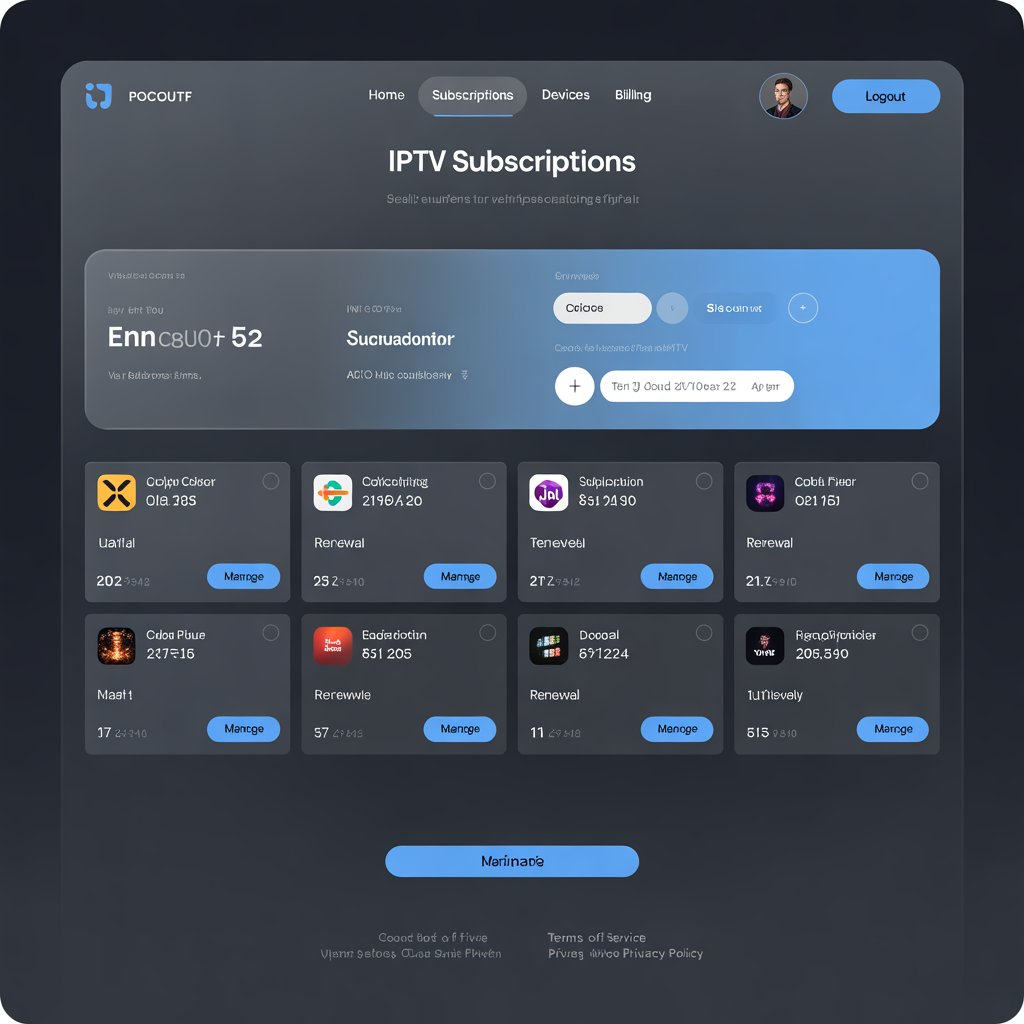
Master Your Streaming: The Ultimate Guide to Your IPTV Subscription Dashboard (2025)
So, you’ve taken the plunge into the world of IPTV. You found a provider, paid for a subscription, and received a welcome email with a username, password, and a strange-looking URL. You plugged those details into your player app, and voilà—thousands of channels appeared. But what about that other link in the email? The one leading to your very own IPTV subscription dashboard?
For too many users, this powerful tool remains a complete mystery. It’s often ignored, forgotten in a sea of emails, but it’s the true command center of your entire streaming service. Understanding and using your IPTV subscription dashboard is the difference between being a passive user and a power user who has total control over their entertainment.
This in-depth guide will demystify every aspect of your dashboard. We’ll explore what it is, break down every common feature, discuss security best practices, and show you how to manage your service like a pro. By the end, you’ll see your IPTV subscription dashboard not as an afterthought, but as an essential part of your setup.
What Exactly is an IPTV Subscription Dashboard?
Think of it this way: your IPTV player app (like TiviMate or IPTV Smarters) is your television screen. It’s the front-end interface you use to browse channels, watch content, and enjoy the service. The IPTV subscription dashboard, on the other hand, is the engine room. It’s a web-based control panel, accessible via any web browser, where all the critical administrative functions of your account are handled.
This is where your provider creates and manages your account. When you log in, you are accessing your personal slice of that management system. It is the single source of truth for your subscription status, your login details, and your connection limits. While the player app is for watching, the IPTV subscription dashboard is for managing. The two work together to provide a seamless service, and ignoring the dashboard means you’re only using half the tools at your disposal.
Key Features of a Modern IPTV Subscription Dashboard
While the design can vary between providers, most professional services use sophisticated panel software like Xtream UI or similar platforms. This means the core features found in your IPTV subscription dashboard are often quite standardized. Let’s break down the most important sections you’ll encounter.
Managing Your Lines (Connections)
This is arguably the most critical and least understood feature. A “line” is simply another term for a simultaneous connection. A standard subscription typically comes with one line, meaning you can only watch on one device at a time. If you try to use the same subscription on two devices simultaneously, you will experience freezing, buffering, or one of the devices will be blocked.
Your IPTV subscription dashboard allows you to:
- View Your Connection Limit: It will clearly state how many lines your package includes (e.g., “Max Connections: 1”).
- Monitor Active Connections: Some dashboards show you the IP address and location of any device currently using your subscription. This is a vital security feature to spot unauthorized use.
- Purchase Additional Lines: If you want to watch in the living room and the bedroom at the same time, you’ll need two lines. Most providers allow you to add connections for a small additional fee directly through the dashboard.
Viewing Subscription Details & Expiry
Nothing is more frustrating than having your service cut off in the middle of a big game or movie premiere. The IPTV subscription dashboard is your first line of defense against this. In the main overview, you will always find:
- Status: This should say “Active” if your subscription is current.
- Expiry Date: The exact date and time your service is scheduled to end. This is crucial information. Set a calendar reminder a few days before this date to ensure you renew in time without any interruption.
- Plan Type: It will show whether you’re on a 1-month, 3-month, 6-month, or 12-month plan.
Accessing Your Login Credentials
Lost your welcome email? Setting up a new Firestick? Your IPTV subscription dashboard is your permanent record of the essential login details you need for any player app. The dashboard provides easy, one-click access to:
- M3U Playlist URL: This is a single, long link that contains all the information about your channel list. Most player apps have an option to “Add Playlist from URL.”
- Xtream Codes API: This is often considered the easier and more reliable method. It consists of three parts: a Username, a Password, and a Server URL. The best IPTV player apps, which you can read about in our ultimate guide to IPTV players, have a dedicated “Login with Xtream Codes” section.
- EPG URL: This is the link to your Electronic Program Guide data. While often included in the M3U link, some apps require you to enter it separately.
A good IPTV subscription dashboard will have “copy to clipboard” buttons next to each of these details, making setup on a new device quick and painless.
Renewing Your Service and Adding Credit
Professional IPTV providers streamline the renewal process through the dashboard. Instead of having to go back to the public website, you can often handle payments directly from your account. You might see options to “Renew Subscription” or “Add Credits.” The latter allows you to load a balance onto your account, which can then be used to purchase or extend a subscription. This system provides a clear record of all your payments in one place.
Using the Support and Ticketing System
Emailing a generic support address can be a slow and inefficient way to get help. A well-built IPTV subscription dashboard includes an integrated support or ticketing system. When you create a ticket from within your dashboard, the support agent immediately sees all your account details, which dramatically speeds up the troubleshooting process. You can track the status of your ticket and view a complete history of all your communications with the support team.
Advanced Dashboard Features
While less common, some premium providers offer advanced customization options within their IPTV subscription dashboard. These can include features like editing your channel list (bouquets) to hide categories you don’t watch, or even choosing from different EPG sources if one is not populating correctly.
Security Best Practices for Your Dashboard
Since your IPTV subscription dashboard is the key to your service, securing it is paramount. Follow these simple but effective security steps:
- Use a Strong, Unique Password: Do not reuse a password from another site. Create a complex password with a mix of letters, numbers, and symbols. The FTC has great advice on creating strong passwords.
- Change Your Password Immediately: When you first log in, change the temporary password your provider gave you.
- Enable Two-Factor Authentication (2FA): If your dashboard offers 2FA (usually via an authenticator app), enable it. This provides a massive security boost.
- Beware of Phishing: Never click a link in an email that asks you to log into your dashboard to “verify your account.” Always access your dashboard by typing the URL directly into your browser.
- Use a VPN: A VPN encrypts your connection to the dashboard, protecting your login credentials from being intercepted on public Wi-Fi. For recommendations, check our guide on the best VPNs for streaming.
Navigating Your Dashboard for the First Time: A Walkthrough
Feeling overwhelmed? Here’s a simple checklist for your first login to any IPTV subscription dashboard:
- Log In: Use the URL, username, and password from your welcome email.
- Change Your Password: Find the “Account Settings” or “Profile” section and set a new, secure password.
- Locate Your Credentials: Find the section for “Playlist URL” or “Xtream Codes.” Copy these details and save them in a secure place like a password manager.
- Verify Your Subscription: Check the main dashboard page to confirm your expiry date is correct. Set a calendar reminder to renew.
- Explore: Take a few minutes to click through the different sections like “Support,” “Connections,” and “Billing” so you know where everything is when you need it.
Your Top Dashboard Questions Answered
What is an IPTV subscription dashboard?
An IPTV subscription dashboard is a secure, web-based control panel where you can manage every aspect of your IPTV service. This includes checking your subscription’s expiry date, accessing your M3U or Xtream Codes login credentials, managing connections, and contacting support.
How do I find my IPTV dashboard login?
Your IPTV provider will send you the unique URL, username, and password for your IPTV subscription dashboard in your welcome email immediately after you subscribe. Be sure to save this email or bookmark the URL.
Can I watch TV on my IPTV subscription dashboard?
No. The IPTV subscription dashboard is strictly for account management. To watch the actual TV channels, you need to enter the credentials found in your dashboard into a dedicated IPTV player app, such as TiviMate, IPTV Smarters, or Perfect Player, on your streaming device.
Conclusion: Take Control of Your Streaming Experience
Your IPTV subscription dashboard is far more than just a welcome page; it is the administrative heart of your entire streaming setup. By familiarizing yourself with its features, you empower yourself to manage your service effectively, enhance your security, and solve problems without waiting for support.
A transparent, functional, and feature-rich IPTV subscription dashboard is often a key indicator of a professional and reliable provider. It shows a commitment to customer empowerment and service stability. The next time you log into your IPTV service, don’t just open your player app—take a few moments to explore your dashboard. You’ll be a more informed and powerful user for it, which is essential when choosing a provider from the many options discussed in our guide to choosing an IPTV service.
What’s the most useful feature you’ve found on your IPTV subscription dashboard? Share your tips and experiences in the comments below!
Ready to put your dashboard credentials to use? Make sure you have the right hardware by checking out our list of the Best 4K Streaming Devices for 2025.
Return to top of page