

The Ultimate Guide to IPTV for Apple TV USA (2025)
You own an Apple TV 4K, one of the most powerful and slickest streaming devices on the market. You love the buttery-smooth tvOS interface, the stunning 4K HDR picture quality, and the seamless integration with your other Apple devices. But what if you could expand its capabilities beyond Netflix and Disney+ to include thousands of live TV channels from around the world? This is where IPTV for Apple TV USA comes in.
Pairing a high-quality IPTV service with the premium hardware of an Apple TV creates an unparalleled streaming experience. However, the process isn’t as straightforward as it is on other platforms like Android TV. Apple’s “walled garden” ecosystem means you need the right apps and a specific setup to make it work flawlessly. The potential of using IPTV for Apple TV USA is immense, but only if you do it right.
This comprehensive guide is designed specifically for Apple TV owners in the USA. We will dive into why your device is the perfect machine for IPTV, review the best player apps available on the App Store, provide a step-by-step setup guide, and offer pro tips for optimization. Get ready to unlock the true power of your Apple TV with a world-class IPTV for Apple TV USA setup.
Why Apple TV is a Premium Choice for IPTV
While many people use cheaper devices like a Firestick for IPTV, those who use an Apple TV 4K know it’s in a different league. The premium price tag comes with significant hardware advantages that make it an exceptional device for high-quality streaming, creating the best possible experience for IPTV for Apple TV USA. These advanced features are why so many enthusiasts consider it the best platform for a premium streaming setup, especially for IPTV for Apple TV USA.
- Sheer Processing Power: Apple TV 4K models are equipped with Apple’s powerful A-series bionic chips (like the A15 Bionic). This is desktop-class power in a streaming box. It means the interface is incredibly responsive, and navigating through thousands of channels and VOD titles is instant, with none of the lag seen on cheaper devices.
- Exceptional Video and Audio Quality: Apple’s hardware and software are finely tuned to output the best possible picture. Features like “Match Dynamic Range” and “Match Frame Rate” ensure that content is displayed exactly as the creator intended, a feature often missing on other platforms. This means your IPTV streams will look their absolute best. You can learn more about these settings on the official Apple Support page.
- The tvOS Ecosystem: The tvOS App Store is highly curated and secure. While this means fewer app choices than on Android, the apps that are available are generally well-made and stable.
- Wired Connectivity: The Apple TV 4K includes a Gigabit Ethernet port, allowing for the most stable, reliable, and fastest possible connection for your IPTV streams.
These features combine to create a solid foundation for a premium IPTV for Apple TV USA setup.
The Best IPTV Player Apps for Apple TV in the USA
The most critical component of your setup is the IPTV player app. This is the software that will manage your channel playlists, display the program guide (EPG), and play the streams. Here are the top contenders available directly from the tvOS App Store for your IPTV for Apple TV USA experience.
GSE Smart IPTV: The Versatile Powerhouse
GSE Smart IPTV is one of the most popular and feature-rich IPTV players across all platforms, and its tvOS version is excellent. It’s a free app supported by ads (which can be removed with a one-time in-app purchase).
- Key Features: Supports both M3U playlists and Xtream Codes API, has a built-in EPG, allows for channel favoriting, and offers extensive customization options.
- Why it’s Great for Apple TV: Its powerful media player handles a wide variety of stream formats, and its interface, while a bit cluttered, is highly functional. It’s a fantastic starting point for anyone new to IPTV for Apple TV USA.
IPTV Smarters Player Lite: The Familiar Favorite
IPTV Smarters is a name that is synonymous with IPTV. Their “Smarters Player Lite” app is available on the App Store and provides the familiar interface that millions of users know and love. It’s free to use.
- Key Features: Focuses on the user-friendly Xtream Codes API login, provides a clean EPG, supports multiple playlists, and has a simple, intuitive layout.
- Why it’s Great for Apple TV: If you’ve used IPTV on another device before, there’s a good chance you’ve used Smarters. Its presence on tvOS makes for a seamless transition. Many users find it to be the most straightforward app for their IPTV for Apple TV USA service.
iSTB: The Clean and Simple Paid Option
iSTB is a paid app that prides itself on a clean, minimalist, and very “Apple-like” design. It strips away some of the clutter of other apps and focuses on a smooth, premium user experience.
- Key Features: Beautifully designed interface, fast channel loading, excellent EPG implementation, and great stability.
- Why it’s Great for Apple TV: It feels like a native tvOS app. If you value a clean aesthetic and are willing to pay a small one-time fee for a premium, ad-free experience, iSTB is an outstanding choice for your IPTV for Apple TV USA setup.
Other Noteworthy Contenders
While the three above are the most popular, other apps like IPTVX and Flex IPTV also offer great features and are worth exploring. The best app for your IPTV for Apple TV USA service often comes down to personal preference, so it’s worth trying a couple to see which interface you like best.
Step-by-Step Guide: Setting Up IPTV for Apple TV USA
Getting started is a simple process. Here’s how to get your IPTV for Apple TV USA service up and running.
-
Choose a Reliable IPTV Provider: First, you need a subscription. Research providers that are well-regarded for stability and offer a free trial suitable for IPTV for Apple TV USA. For help, check our guide to choosing an IPTV service.
-
Download an IPTV Player from the App Store: On your Apple TV, go to the App Store, search for one of the apps mentioned above (e.g., “GSE Smart IPTV” or “Smarters Player Lite”), and download it.
-
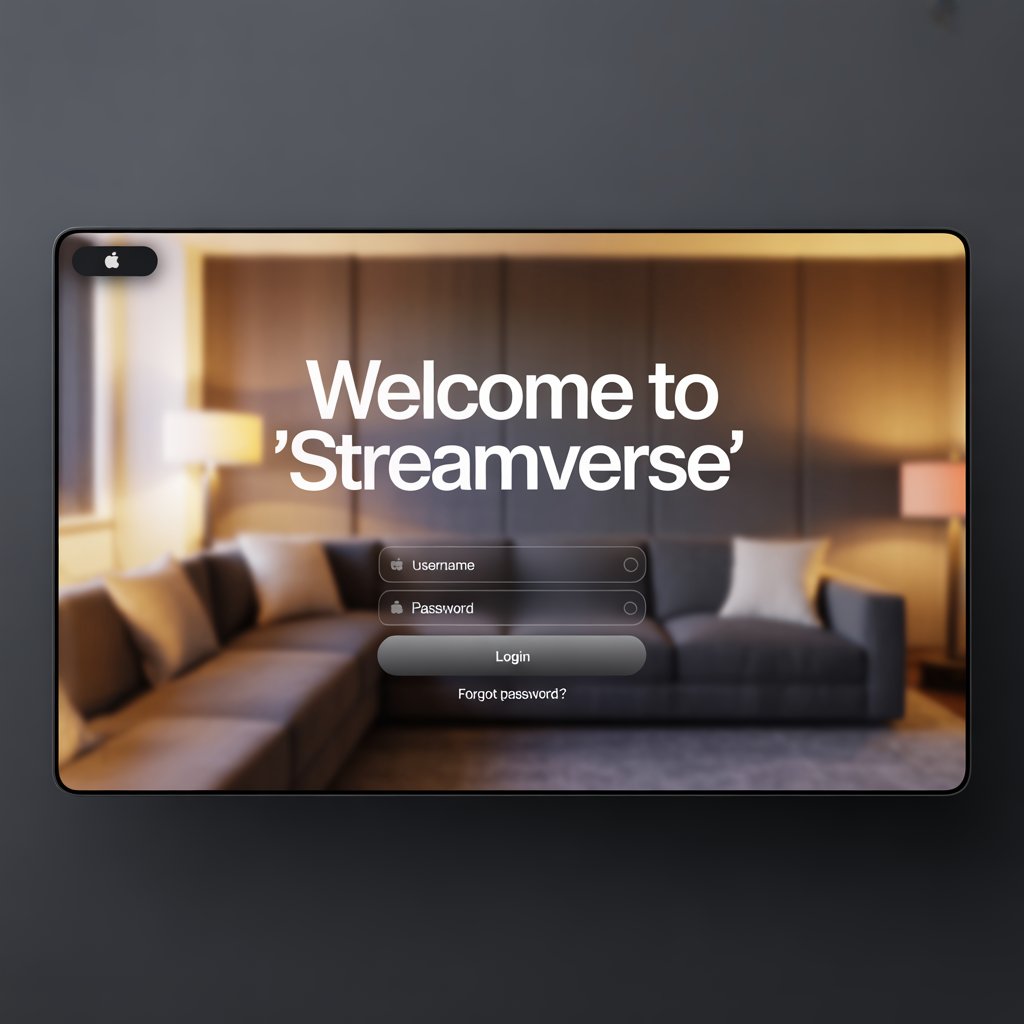
Enter Your Credentials: Open the app. You will be prompted to add your playlist. You have two main options:
- M3U Playlist URL: Your provider will email you a long URL. You will need to type this into the app. Using a Bluetooth keyboard or the Apple Remote app on your iPhone can make this much easier.
- Xtream Codes API (Recommended): This is the easier method. Your provider will give you a Username, a Password, and a Server URL. Simply enter these three pieces of information into the corresponding fields in the app.
-
Load and Explore: The app will take a few moments to download your channels and program guide. Once it’s done, you’re ready to start exploring the thousands of channels available through your new IPTV for Apple TV USA setup!
Optimizing Your Setup for the Best Experience
To get the most out of your premium hardware, a few optimizations are key for your IPTV for Apple TV USA experience.
- Use a Wired Ethernet Connection: This is the most important tip. Connect your Apple TV directly to your router with an Ethernet cable to ensure the most stable, high-speed connection possible.
- Enable “Match Content” Settings: In your Apple TV’s settings (`Settings > Video and Audio > Match Content`), turn on both “Match Dynamic Range” and “Match Frame Rate.” This ensures your TV is displaying the IPTV stream in its native format, which prevents judder and provides a more cinematic look.
- Choose a Quality IPTV Provider: The power of your Apple TV is wasted on an unstable IPTV service. Choose a provider known for high-quality, reliable streams.
The VPN Conundrum: How to Use a VPN with IPTV on Apple TV
A VPN is essential for IPTV to protect your privacy from your ISP. However, unlike Android devices, tvOS does not allow for traditional VPN apps. This is a major hurdle for users of IPTV for Apple TV USA, but there are two effective workarounds:
- Install a VPN on Your Router: This is the best method. By configuring your VPN directly on your home router, every device that connects to it, including your Apple TV, is automatically protected. It’s a “set it and forget it” solution. Many modern routers support this, and top VPN providers like ExpressVPN and NordVPN have easy-to-follow guides.
- Use a Smart DNS Service: Many VPN providers also offer a “Smart DNS” service. This doesn’t encrypt your traffic, but it does mask your location, which can help bypass geo-blocks. You can enter the Smart DNS addresses directly into your Apple TV’s network settings. This is a less secure but simpler alternative.
For more on VPNs, see our guide to the best VPNs for streaming.
Your Top Apple TV IPTV Questions Answered
How do I install an IPTV for Apple TV USA service?
To set up IPTV for Apple TV USA, you first need a subscription from an IPTV provider. Then, go to the tvOS App Store on your Apple TV, download a player app like GSE Smart IPTV or IPTV Smarters Player Lite, and enter the login credentials (M3U URL or Xtream Codes) provided by your service.
What is the best player for IPTV for Apple TV USA?
The best apps for IPTV for Apple TV USA are GSE Smart IPTV (for its powerful features), IPTV Smarters Player Lite (for its familiar, user-friendly interface), and iSTB (for its clean design). All are available on the tvOS App Store.
Do I need a VPN for my IPTV for Apple TV USA setup?
Yes, a VPN is highly recommended to protect your privacy. Since tvOS doesn’t support native VPN apps, you must either install the VPN on your router (the best method) or use your VPN provider’s Smart DNS service in your Apple TV’s network settings.
Conclusion: The Ultimate Streaming Combination
The Apple TV 4K is more than just a device for watching Netflix; it’s a high-performance streaming machine that is perfectly suited for the demands of high-quality IPTV. By leveraging its powerful hardware and smooth operating system, you can create a user experience that is second to none. The world of IPTV for Apple TV USA offers limitless content at your fingertips.
While the setup requires a few extra steps—namely choosing a great app from the App Store and correctly configuring a VPN—the result is worth the effort. Following the steps in this guide will allow you to build a stable, secure, and incredibly powerful entertainment hub. The combination of a top-tier streaming box and a world of live content makes a dedicated IPTV for Apple TV USA setup the ultimate solution for the modern cord-cutter.
What’s your favorite IPTV app for Apple TV? Do you have any optimization tips to share? Let us know your thoughts in the comments below!
Make sure your other hardware is up to par by checking out our review of the best streaming devices of 2025.
Return to top of page